
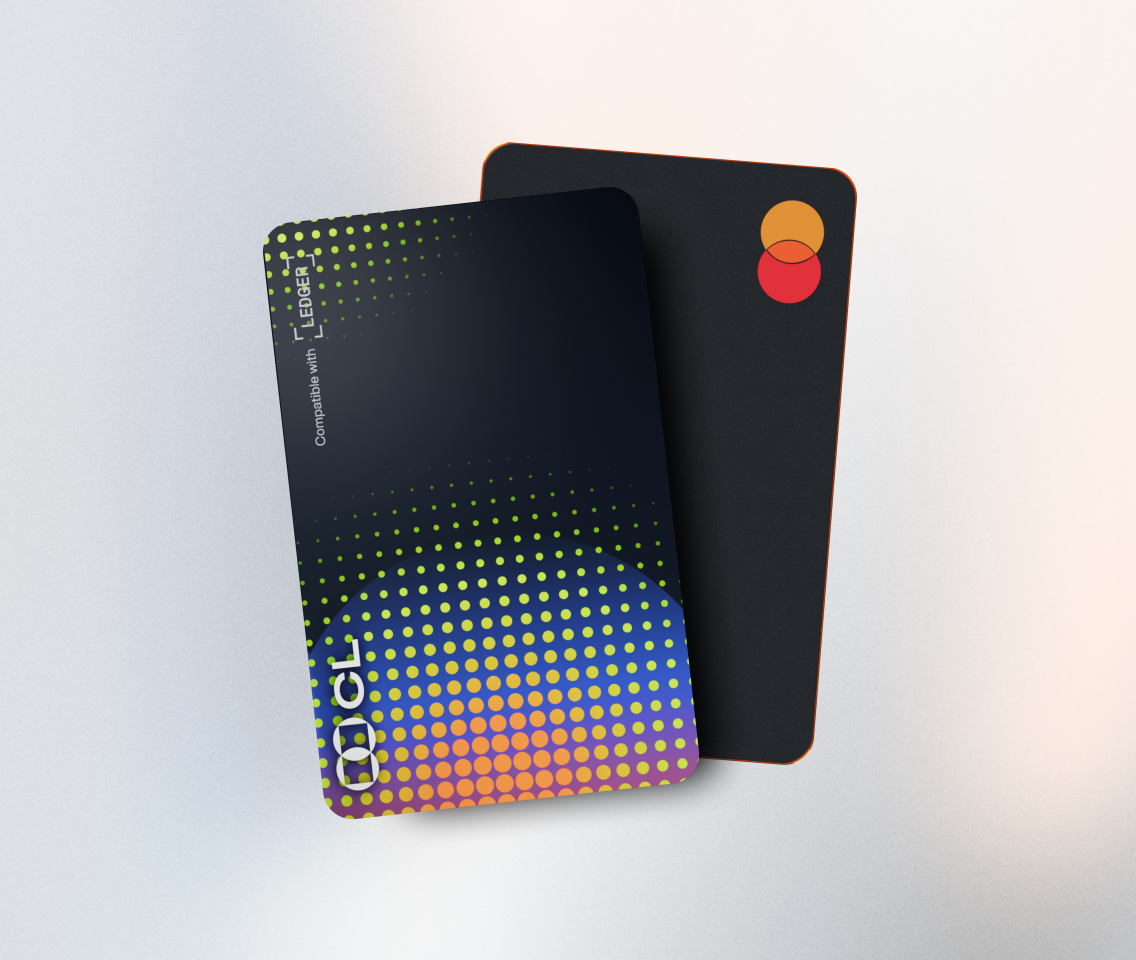
A multi - signature wallet is an essential tool in the world of cryptocurrency, offering enhanced security by requiring multiple signatures to authorize a transaction. Ledger, a well - known hardware wallet provider, can be used to set up such a wallet. Here's a detailed guide on how to do it.
First, you need to have a Ledger device. The most common ones are Ledger Nano S and Ledger Nano X. These devices are highly secure as they store your private keys offline, protecting them from online threats. Before starting the setup, make sure your Ledger device is fully charged and updated to the latest firmware. You can do this by connecting your device to your computer via USB and using the Ledger Live application.
Next, choose a multi - signature wallet service. Popular options include BitGo and Gnosis Safe. These services are compatible with Ledger devices and offer user - friendly interfaces for setting up multi - signature wallets. For example, BitGo is widely used by institutional investors due to its high - level security features and compliance measures.
Once you've selected a service, create an account. This usually involves providing an email address and setting up a strong password. After creating the account, you'll need to link your Ledger device to the multi - signature wallet service. In the wallet service's settings or onboarding process, look for an option to connect a hardware wallet. Follow the prompts to pair your Ledger device. You may need to enter a PIN on your Ledger device and confirm certain actions on its screen during this process.
The next crucial step is defining the signing requirements. In a multi - signature wallet, you can specify how many signatures are needed out of the total number of signers for a transaction to be approved. For instance, in a 2 - of - 3 multi - signature setup, any two out of the three signers must approve a transaction for it to go through. This provides flexibility and security depending on your needs. You can add multiple signers by entering their public keys or wallet addresses. These signers can be other individuals, teams, or even other wallets.
After setting up the signing requirements and adding signers, you can start using your multi - signature wallet. When initiating a transaction, the wallet service will prompt the required number of signers to approve it. Each signer will need to use their own Ledger device (if applicable) to sign off on the transaction by following the instructions on the device's screen. Once the required number of signatures is obtained, the transaction will be sent to the blockchain for processing.
In conclusion, setting up a multi - signature wallet using Ledger offers a high level of security for your cryptocurrency holdings. By carefully following these steps and choosing a reliable multi - signature wallet service, you can manage your digital assets more securely and with greater peace of mind.
TAG: Ledger your wallet device up transaction signature multi service signers